
Legal Data Migration Without Risking Client Confidentiality
Ask a partner about what worries them about moving files to new software, and the first answer is usually losing data. It’s a fair worry, and also the easiest one to solve. Backups and staged move handle it well.
The harder risk is quieter. It’s about who can see what is happening while the move is happening.
For Indian firms, that matters more than it might elsewhere. The Bar Council of India rules treat client confidentiality as a professional duty. The Digital Personal Data Protection Act, 2023 adds its own expectations around personal data. So legal data migration deserves the same care as any filing.
Why access, not loss, is the real risk in legal data migration
During setup, many hands touch the files. A vendor helps with the import; an IT contractor fixes a folder, and staff tests the new system. Access granted just for the move often outlives it.
Nothing may ever be misused. Still, access that shouldn’t exist is already a problem when the files belong to clients. The safe move is to decide who gets access during the import, when it ends, and how you’ll check.
Four questions to ask any legal AI software before the move
- Can access be set by role, so each person sees only the files they work on?
- Is every action logged, so you can check who opened what and when?
- Does the AI respect those permissions? A tool that searches every file can surface a client document to someone who shouldn’t see it.
- Can you take your data with you if you ever leave?
Vague answers here are an answer in themselves. Any vendor serious about client data should explain these plainly.
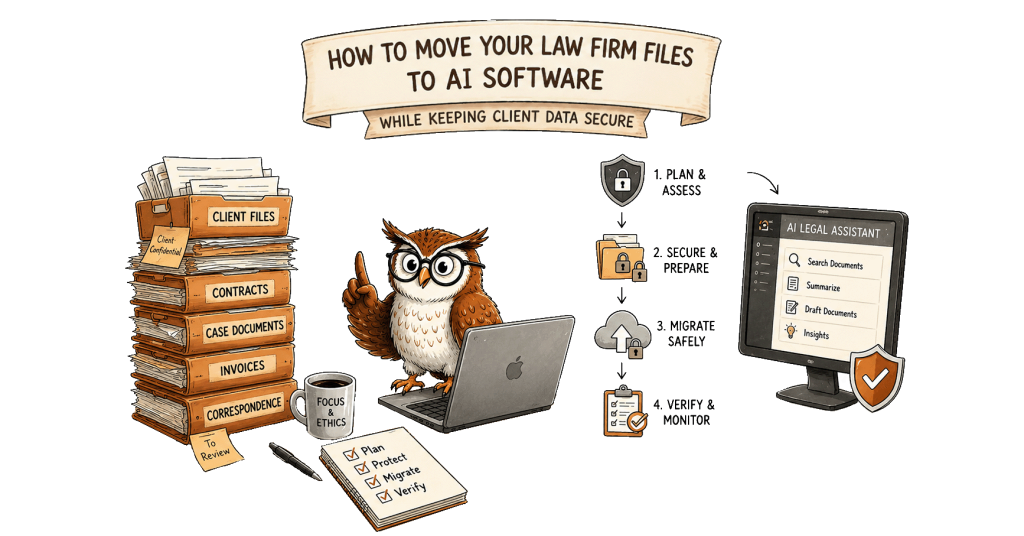
A safer way to move law firm document management into a new system
Trying to move everything at once is where most migrations go wrong. A staged approach is slower, but each step is easy to check.
- Start with active matters, since your team will use and verify them every day.
- Agree on naming and folder structure before importing a single file.
- Set roles before inviting anyone beyond the core team.
- Review permissions once files land and have a senior partner sign off.
- Keep the old storage read-only for a few weeks, then close it cleanly.
- Move archives in batches by year or matter type, check each batch first.
What AI software for law firms should do with files once they arrive
After the move, AI earns its keep by making files easier to find. It can tag documents by type and matter and make scanned orders searchable. That turns a migrated archive into something your team actually uses.
The same rule applies here during the move, though. AI should only read what the person asking is allowed to read. Half-finished drafts should never be quoted back as the firm’s position.
How LawVyn approaches legal document management software
LawVyn is one example of how this can work in practice. Files come in by drag and drop, in bulk if needed, whether they’re PDFs, Word files, images or scans. AI then classifies and tags each one by type and matter, and OCR makes scanned papers searchable.
Folders mirror your case structure, and documents can be grouped as ours, the opponent’s or the court’s. Role-based access keeps sensitive files limited to authorized team members, with audit trails of every action. LawVyn’s assistant only answers from material a user is permitted to read, and only approved templates are searchable.
Your Google Drive, OneDrive or Dropbox can stay connected, so the move can happen gradually. See the full document management feature.
The goal isn’t to move fast. It’s to move in a way your clients never need to hear about.