How AI Legal Document Analysis Helps You Review Files Faster?
Every litigation chamber has one. A bundle that came in on Friday afternoon, four hundred pages or so, with annexures stapled in an order that made sense to somebody once.
It has to be read before Tuesday’s hearing. In most offices that job lands with whoever is the most junior. That’s how a second-year associate ends up reading exhibits at eleven at night.
AI legal document analysis won’t argue about Tuesday’s matter for you. What it can do is get through the first read much faster. It can also point the associate to the forty pages that deserve her attention.
Where review time really goes in legal document analysis
If you timed a week of document review, you’d find surprisingly little of it is analysis. A lot of it is sorting. Is this an order or notice? Does this affidavit belong here, or did it get mixed in from the connected appeal?
The rest is searching. Someone recalls that they had a date for the deadline in one of the letters, but which letter is it in and what page? Therefore, you search through the pages and the index for information.
What AI legal software can and can’t do with your files
This is where software earns its keep. There is no dullness on page 300. After performing OCR, a scanned document appears like it was typed. The software can do a good job of classifying the files according to various aspects. So is finding every mention of a party or flagging a clause that reads oddly.
Judgment is another story. Whether a strange indemnity clause matter depends on the deal and on who your client is. A procedural point that only holds in one High Court needs a lawyer who practices there. No software should be making those calls, and a good one won’t pretend to.
A safer review routine with legal document analysis software
A routine that tends to work goes like this. Put the entire set into the matter first, not into somebody’s email. Let the software sort and tag it. Open a handful of files and check those labels before trusting them.
Then search for whatever this case turns on, whether that’s a date, a party or one particular clause. Anything the AI flags get read properly, start to finish. The final call, with a short note on why, sits with a named lawyer.
This is slower than letting the tool run on its own. It’s also the only version you’d be comfortable explaining to a client.
Get files ready before any AI software for lawyers reads them
AI can only work with what it can read, and plenty of legal files are hard to read. Think of a tilted phone photo of an order, or a PDF for someone password-locked years ago.
Before a big review, pull the files into one place instead of Drive, email and a pen drive. Rescan the bad pages. If three versions of the written statement exist, name them so anyone can tell which one was filed.
How LawVyn’s legal AI software supports document review
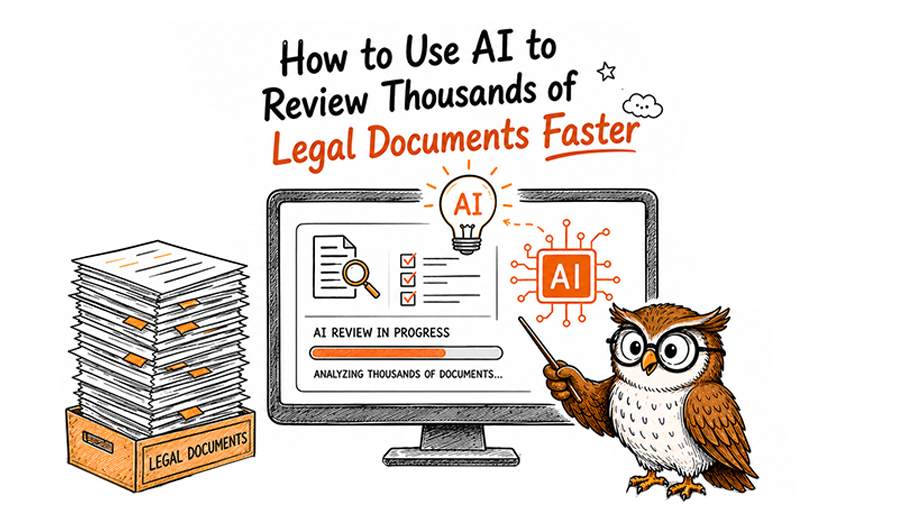
LawVyn takes this triage approach. In the matter, the respective files may be PDFs; Word files, images, or scans-can be dragged, even if in bulk. The AI automatically classifies and tags them by type, matter, and relevance. All scanned pages go for OCR, so they’re searchable for anything else.
Within the matter, the folders can change your case structure, and documents can be grouped as ours, sorry, your opposition or the court’s.
If a clause worries you, select it and run a legal check. LawVyn then lists the possible issues that it sees-and you can either accept or dismiss them one by one. This is role-based access, and an audit trail shows who opened which file.
There’s more on the document management feature page.
The associate still reads the forty pages that matter. She just gets to them before midnight.
Common questions about legal document analysis
1. What does AI legal document analysis mean?
AI legal document analysis would mean programs that do the preliminary screening of legal documents. Programs can categorize different files, read the scanned pages, and identify parts that require further review by a lawyer.
2. Does AI need a lawyer to examine legal documents?
No, it does not. While technology is capable of handling a high volume of work, the interpretation of a clause depends on the client, the case, and the court. Only an expert can determine what a document means.
3. Can AI read old or scanned documents?
Yes, in general. That said, Optical Character Recognition (OCR) technology converts text captured from old scans into searchable data. However, a blurry photo taken with a phone camera could lead to challenges and require creating another scan.
4. Is it secure to share client paperwork on AI legal software?
The answer hinges on the measures in place. One must inquire if access can be limited based on user role, as well as whether a record exists of who viewed a document. LawVyn provides both services, as well as keeping documents contained within a file.
5. How does LawVyn simplify document analysis?
LawVyn classifies uploaded documents based on their type, case, and applicability, and makes them searchable. If you find a sentence you don’t like, you can conduct legal research regarding it and decide for yourself how to interpret the results.