
What Legal Document Automation Software Should Actually Do?
Quick check before we get into it. Tick the ones that happened in your chamber this week.
- You redrafted a notice that looked almost exactly like last months.
- Someone asked for the final version, and three files claimed the title.
- A scanned order sat in a folder nobody could search.
- A draft went out before a second pair of eyes saw it.
Two or more ticks? You’re not alone, and none of them are skill problems. They’re document problems, and that’s the job document automation software is meant to take on.
The trouble is that the phrase often gets sold as magic. So, let’s look at what it should actually do for a law firm, and where the lawyer stays in charge.
What AI document automation really means for your chamber?
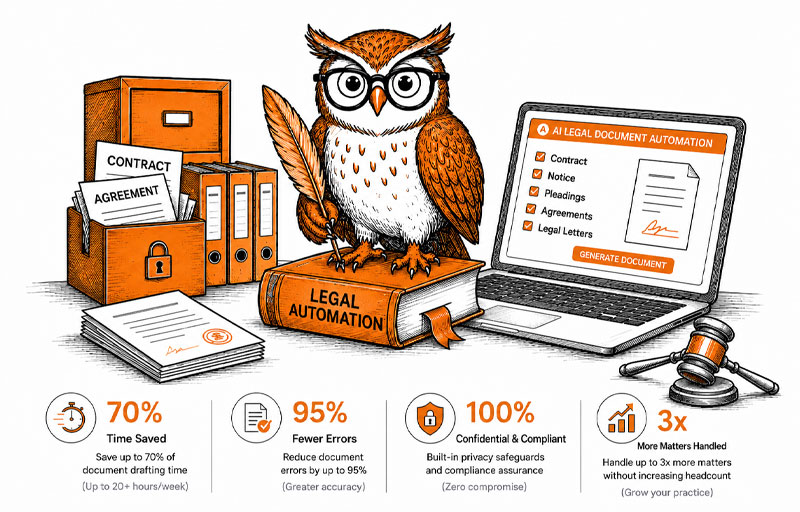
Strip away the marketing and it comes down to three jobs. Documents should be easy to find. Drafts should start from something solid, not a blank page. And nothing should leave the chamber without a proper check.
Notice what isn’t on that list. AI doesn’t argue about your matter or decide your strategy. Those stay with you, as they should.
Why legal document management software must come first?
Faster drafting means little if you can’t find last year’s version. In most chambers, older matters are spread across paper files, scanned PDFs, email threads and Drive folders.
Try a quick test on your own practice. If a client called right now about an order from two years ago, how long would the hunt take? Even orders you can pull again from eCourts Services still need filing against the right matter.
Good legal document software turns that hunt into a search. Every file sit inside the case it belongs to, and the Drive or Dropbox you already use stays connected.
How AI legal document drafting should work?
Most drafts in a chamber aren’t new. Legal notices, agreements and affidavits follow patterns you’ve written many times before.
That’s why the best AI legal drafting software starts with your firm’s own templates. You fill in clauses and variable fields, then refine the draft through an AI chat that can read attached files. Legal document generation software that starts from a blank page every time is harder to check, and harder to trust.
Try this in your next draft. Count the paragraphs you actually wrote fresh. That number tells you how much a good template could save you.
Three checks to expect from AI software for lawyers
Not every question about a draft needs the same kind of answer. Good tools split the work into three separate checks.
- Rewrite improves, shortens or expands a passage in the tone you pick, and you preview it before inserting.
- Grammar check confirms the text is correct and suggests a fix only when it isn’t.
- Legal check reviews the passage for possible issues and lists each finding, which you accept or dismiss one by one.
The legal check is the one that matters most. The tool flags, and the lawyer decides. Before any document is final, it goes through an approval step with reviewer’s comments, so a human always signs off.
How LawVyn’s legal software for law firms handles documents?
LawVyn gives every file a place inside the case it belongs to. Upload documents as they arrive, whether PDFs, Word files, images or scanned papers, in bulk if needed. LawVyn then classifies and tags each one by type and matter.
Full-text search with OCR makes even scanned orders searchable. Folders mirror your case structure, and documents can be grouped as ours, the opponent’s or the court’s. Role-based access keeps sensitive files with the right people, with an audit trail of every action.
Drafting sits right next to all of this. Your templates, the three AI checks and the approval workflow work inside the same case. See the full document management feature.
The drafting will always need your judgment. Filing, finding and formatting shouldn’t need your evenings.