Legal Document Editor Software with Version History
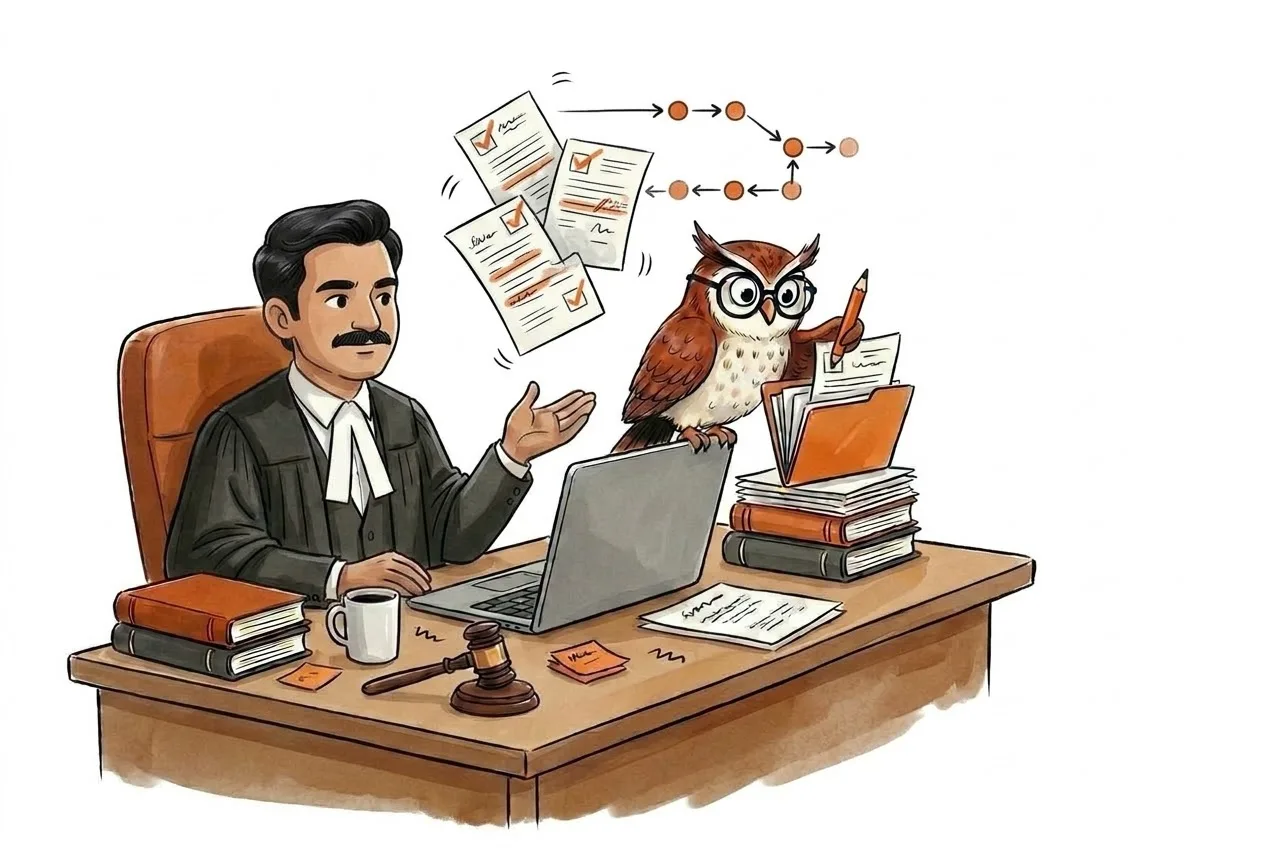
Drafts pass between associates, partners and clients, and copies pile up inboxes. LawVyn’s legal document editor software with version history keeps each draft in the firm Vault, beside its case. Unfinished drafts stay in each person’s private My Vault until ready.
Draft, edit and share in one place.
This online legal software keeps drafting where your cases already live. Build templates clause by clause in the editor, or work in Word and Google Docs through LawVyn’s add-ins.
How It Works
Three Steps to a Final Draft
Create or Upload
Start a new document in the Vault or upload an existing one to keep working on it.
Share When Ready
Keep a private draft in My Vault or share it so the team can pick it up.
Work in Word
Prefer Word or Google Docs? Draft and review through LawVyn’s add-ins.
Capabilities
Drafting, Kept Together
Create and update documents in the firm Vault
Private My Vault for drafts not yet ready
Clause-by-clause editor for building templates
Shared and recent files a click away
Word and Google Docs add-ins for drafting
Deleted files recoverable for 30 days
Why It Matters
Drafts Beside the Case
Documents sit next to the matter they belong to, not in a folder somewhere else.
Safe From Slips
Deleted a draft by mistake? It stays in the Recycle Bin for 30 days, ready to restore.
Private Until Ready
Work in My Vault until the draft is ready. No one else sees it before you share it.
Your Usual Tools
Draft and review in Word or Google Docs through LawVyn’s add-ins, without switching apps.
Inline Editor & Versioning Questions
Blog
Related Articles
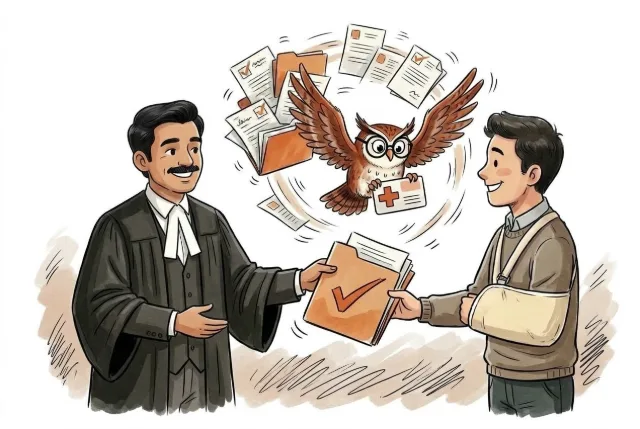
AI for Personal Injury Law Without Losing Control of the File
AI for personal injury law can organize medical records, drafts and hearing dates in motor accident claims. Where it helps, and what to check yourself.
19 August 2026
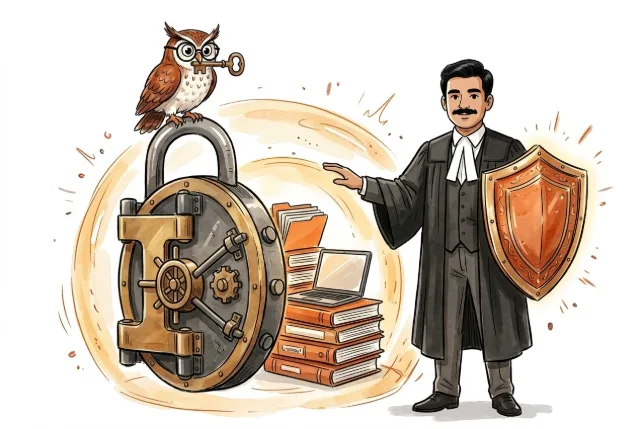
Secure AI Legal Software and the Questions Your Firm Should Ask
Choosing secure AI legal software? The access controls, vendor questions and AI data rules that protect client files, plus the habits that keep them safe.
18 August 2026
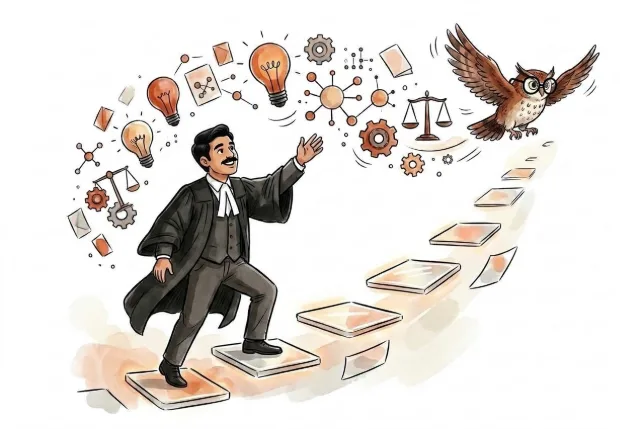
The Future of AI Legal Technology for Indian Law Firms by 2030
Where AI legal technology is headed by 2030, from intake and research to workflows and ethics, and what Indian law firms can start doing about it today.
17 August 2026
Ready to see inline editor & versioning in action? Join the early access waitlist.
Join Waitlist