Law Firm Workflow Automation Software for Reminders and Approvals
Every hearing, deadline and sign-off gets a date and an owner. Your team is reminded by email or WhatsApp before anything is due.
Less chasing, fewer missed dates.
Small tasks slip when they live in someone’s head. Give each one a date and a name, and the chasing stops.
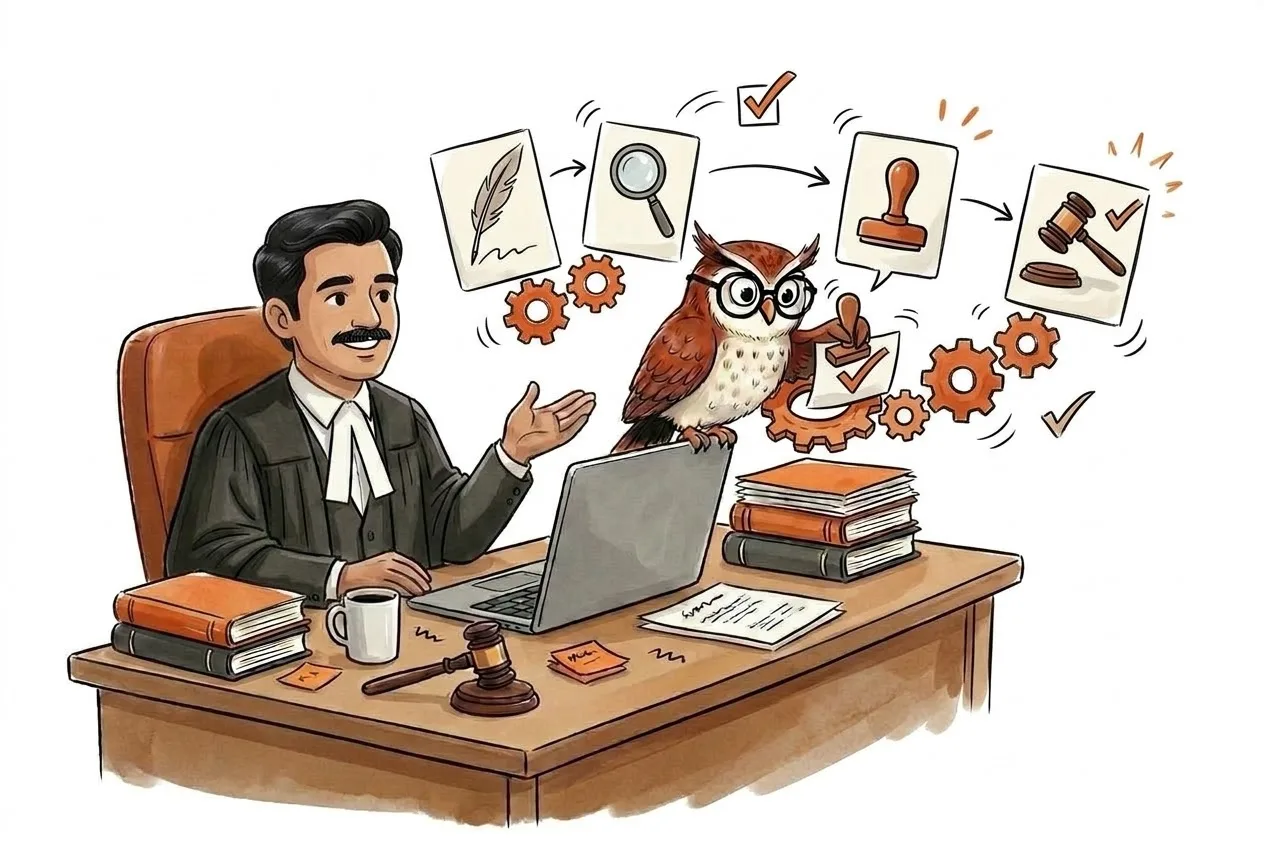
In This Step
What Happens Next
Choose a workflow
Start from a template such as drafting review or hearing preparation, or build your own.
Set the rules
Define who approves, how long they have and who is alerted when something slips.
Let it run
Reminders, assignments and updates go out automatically, and exceptions are flagged to you.
Capabilities
What This Step Covers
Rule-based reminders for hearings and deadlines
Approval chains for drafts and filings
Automatic task assignment and escalation
Client updates on WhatsApp and email
Dashboards for workload and overdue items
Audit trail for every automated action
Why It Matters
Consistent quality
Every matter follows the same checks, whoever is working on it.
Nothing waits in an inbox
Approvals have owners and deadlines, with automatic nudges.
Scale without more admin
Take on more matters without a matching rise in coordination work.
Fully traceable
Every automated action is logged for accountability.
Use Cases
Who It Helps
Mid-size firms
Standardise review chains across practice groups.
Litigation teams
Trigger a preparation checklist a set number of days before each hearing.
Firm administrators
Send fee and document reminders without manual follow-up.
Run Your Practice on Autopilot Questions
Blog
Related Articles

AI for Personal Injury Law Without Losing Control of the File
AI for personal injury law can organize medical records, drafts and hearing dates in motor accident claims. Where it helps, and what to check yourself.
19 August 2026

The Future of AI Legal Technology for Indian Law Firms by 2030
Where AI legal technology is headed by 2030, from intake and research to workflows and ethics, and what Indian law firms can start doing about it today.
17 August 2026
AI Legal Document Management That Ends the "Which Version Is Final?" Hunt
AI legal document management ends the hunt for the final version. How Indian firms cut filing errors, stay audit-ready and roll it out without pushback.
15 August 2026
Ready for step: Run Your Practice on Autopilot? Join the early access waitlist.
Join Waitlist